

New in v3.
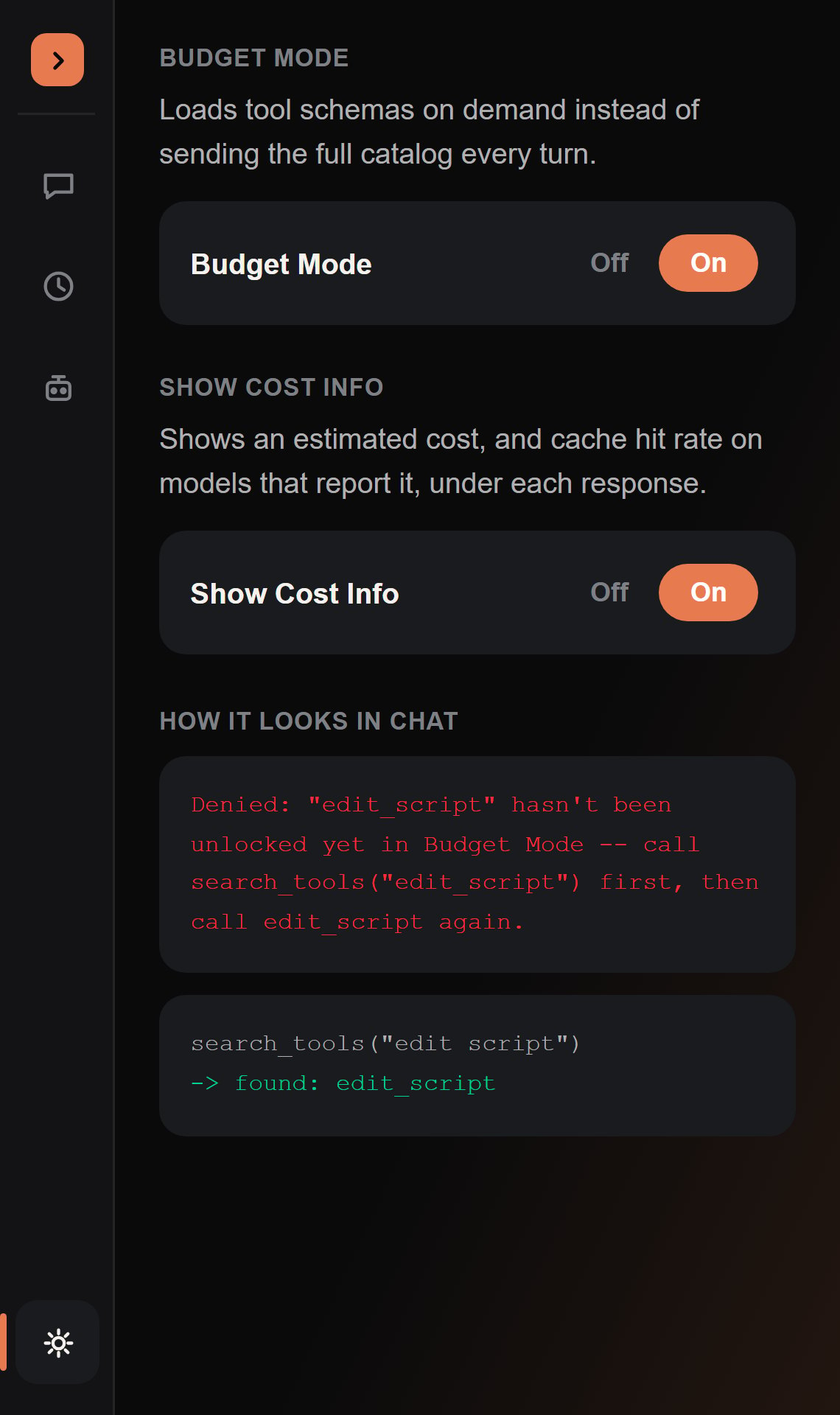
What changes
With Budget Mode off, the agent’s system prompt advertises the full tool catalog up front, exactly as described on that page. With Budget Mode on, it advertises exactly one tool:search_tools. Everything else — read_tree, edit_script, read_skill, remember, spawn_subagent, even execute_luau — has to be looked up by name or keyword with search_tools before the agent is allowed to call it that turn.
search_tools matches an exact tool name first, then falls back to a substring match across both name and description (underscore-insensitive), so search_tools("edit") and search_tools("edit_script") both find edit_script.
Once a tool is unlocked by
search_tools, it stays unlocked for the rest of that turn — the
agent doesn’t have to re-search for it before every single call in a multi-step task.Turning it on
The Budget Mode section of Settings, a simple On/Off segmented control. It’s auto-enabled on Lite and Starter Coding Plans, where keeping the fixed per-turn cost down matters most — see Billing for how Coding Plan tiers work. Anyone can toggle it either way regardless of plan.Why this trade-off is worth it
Reading a schema for a tool you don’t end up calling this turn is pure overhead. A large, growing catalog — especially once connectors add more tools on top of the built-in set — means most turns are paying for tools they never touch.search_tools moves that cost from “every turn, whether needed or not” to “only when the agent actually needs to find something,” at the price of one extra round-trip the first time a tool is used.