

Spawning one
A subagent is created by thespawn_subagent tool, which the agent calls either because you asked it to delegate something, or on its own judgment for a self-contained chunk of work. Either way, it’s required to know which model to run the subagent on before it spawns it:
1
Resolve the model
If you already named a model (or a clear preference like “the cheap one”), the agent resolves that itself by calling
list_models — which returns every model’s real cost in credits, paid/free status, and capabilities.2
Ask if it's not specified
Otherwise, it calls 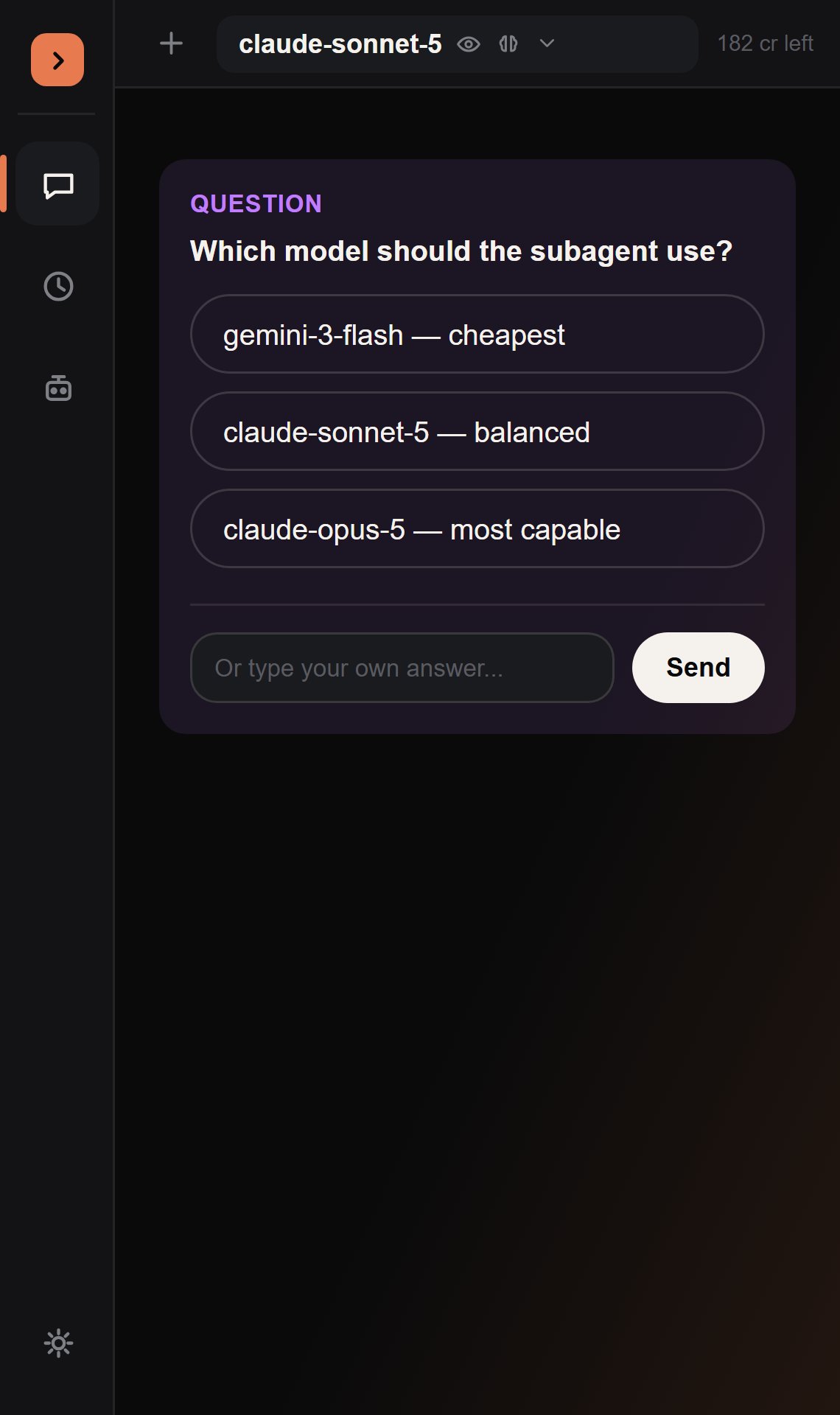
ask_user_question to ask you directly, with concrete one-click options built from real model data — never a silently-guessed model.3
Spawn
spawn_subagent launches the background loop and returns immediately. You’ll see a short confirmation in the transcript; the subagent keeps running while you do other things.spawn_subagent itself goes through the normal permission gate — Ask by default, bypassed in Auto Mode.
What a subagent can do
A subagent can’t spawn its own subagents, and can’t call
ask_user_question — there’s nobody there to answer it mid-flight. It otherwise has the same tools as the main agent: reading and editing scripts, properties, instances, and (per the table above) execute_luau.
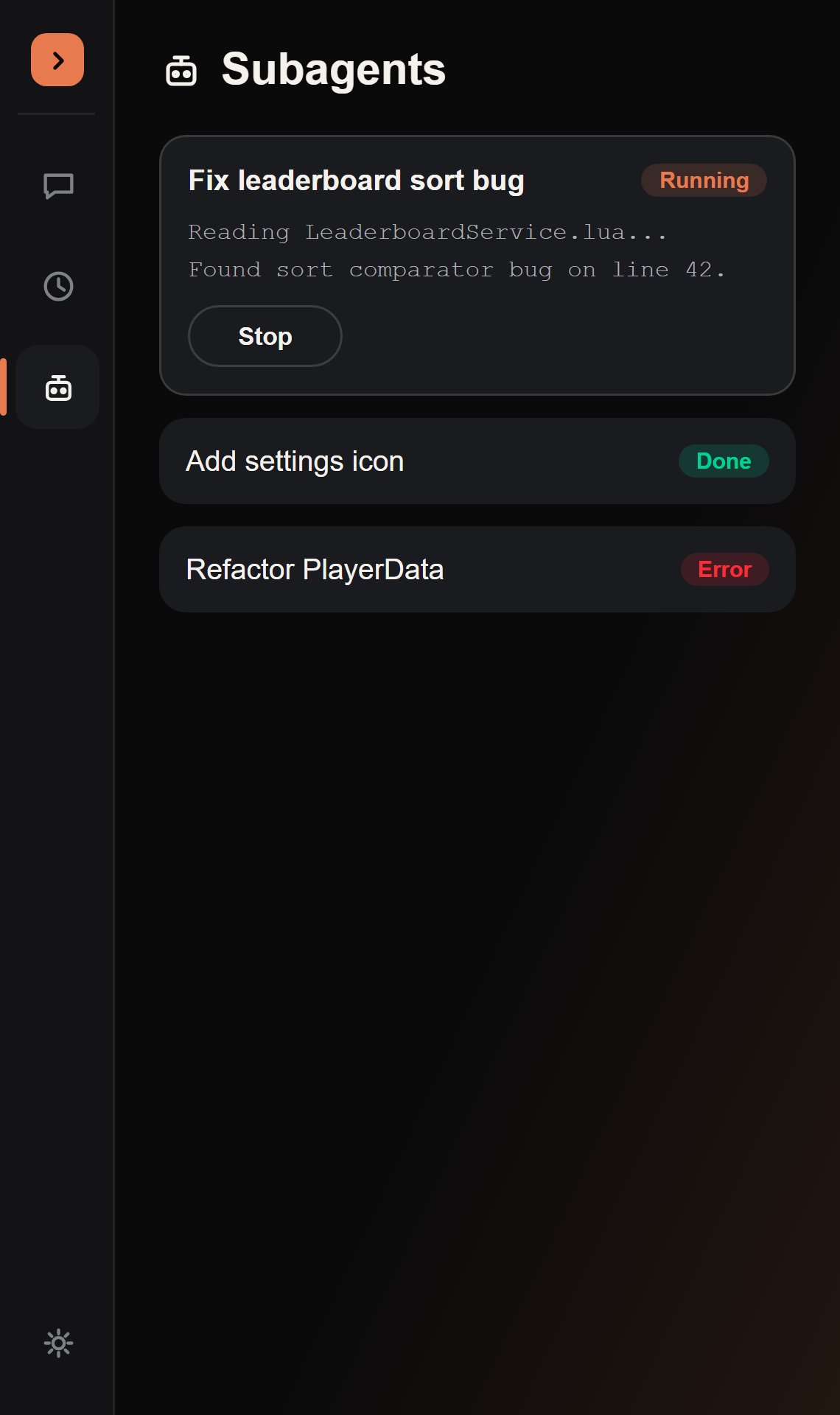
Subagent Views
Changed in v3. Subagent Views moved out of a pill-triggered overlay and into its own tab in
the left icon rail. The rail icon itself now carries a small
unread dot the instant a subagent finishes — paired with the same toast as before — so you find
out without having to go looking, whichever tab you’re on. A small gray line also drops straight
into the main chat transcript itself (“Subagent done:
label”), so you don’t even have to switch
tabs to notice.- A Stop button while it’s running.
- Any pending permission request, if the main session wasn’t in Auto when it was spawned — resolved here, exactly like a normal tool-call card.
- A follow-up box once it’s finished, to send it another instruction and resume it in the background.
Checking on a subagent without flooding context
The main agent has two tools for this, used instead of waiting idle:read-only
Returns status, label, model, and the subagent’s most recent message only — never its full transcript, so checking in doesn’t blow up the orchestrator’s own context.
mutating
Sends a follow-up instruction and resumes a subagent, whether it’s still running or already finished.
Subagents are in-memory only for this release — they don’t persist across a Studio reload. Closing and reopening Studio clears Subagent Views.