

New in v2.
Attaching an image
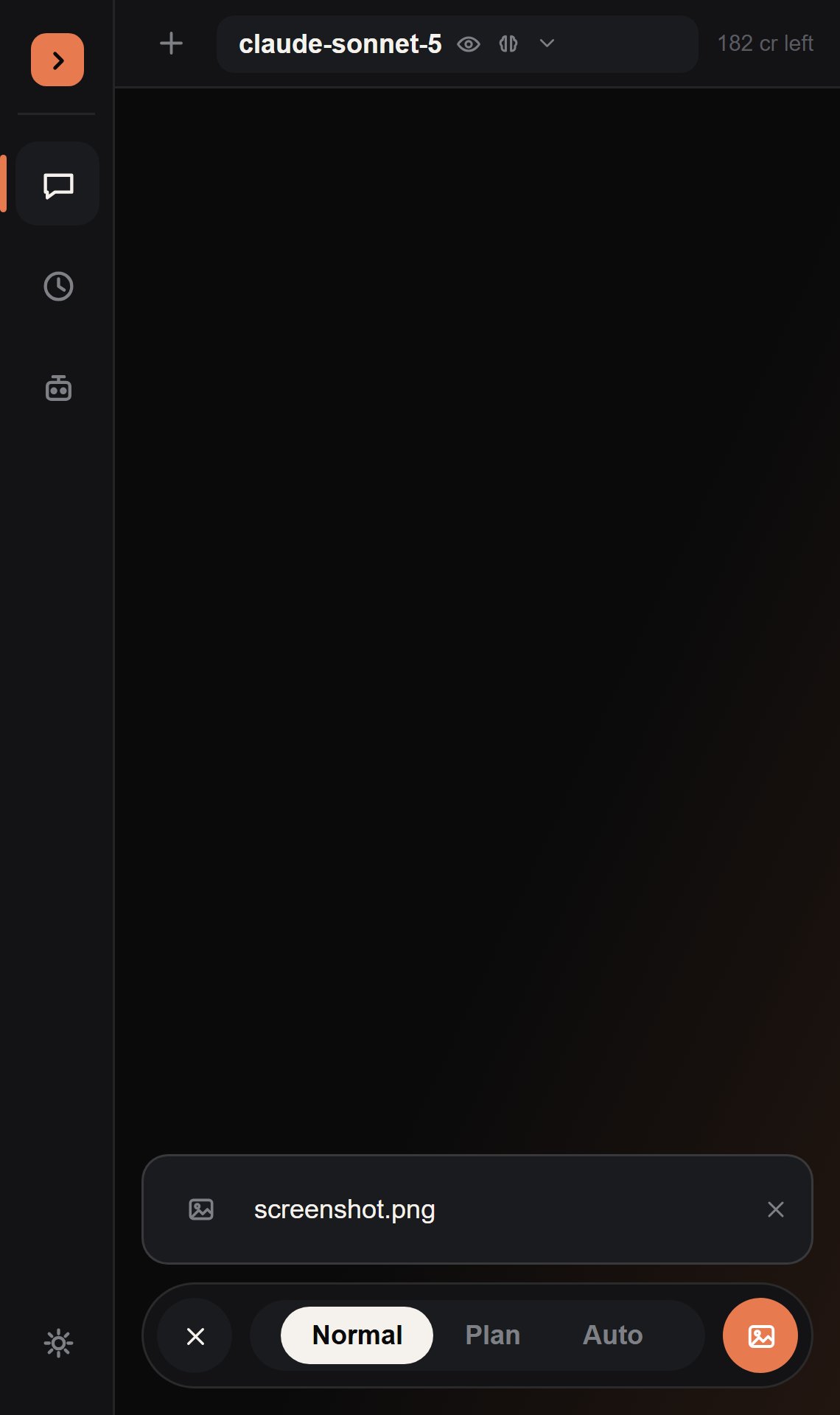
Changed in v3. The attach button now lives in the tray that slides open when you tap the
+ next to the input, alongside the mode selector — it’s no longer
permanently visible in the input row itself.
png/jpg/jpeg, capped at 4MB. Once attached, the button tints to the brand accent color — click it again to remove the attachment, or just hit Send to include it with your next message.
The image is base64-encoded and sent as a standard multimodal image_url content block alongside your text, in the same message — no separate upload step.
Vision-gating
The button is only interactable when the currently selected model actually has thevision capability. Switch to a model without vision support and it greys out immediately; switch back and it re-enables — the same live check that drives the capability badges next to the model selector.
Why there’s no clipboard paste
We looked into wiring upCtrl+V to paste a screenshot straight from your clipboard, the way you’d expect from a browser-based chat app. It isn’t possible: Roblox Studio plugins have no Lua API for reading the OS clipboard — text or image — at all. This is a long-standing, widely-requested engine limitation, not something specific to this plugin.
The file-picker button is the closest available equivalent, and the one we shipped.