

connector id only reaches the model once that connector is switched on in Settings.
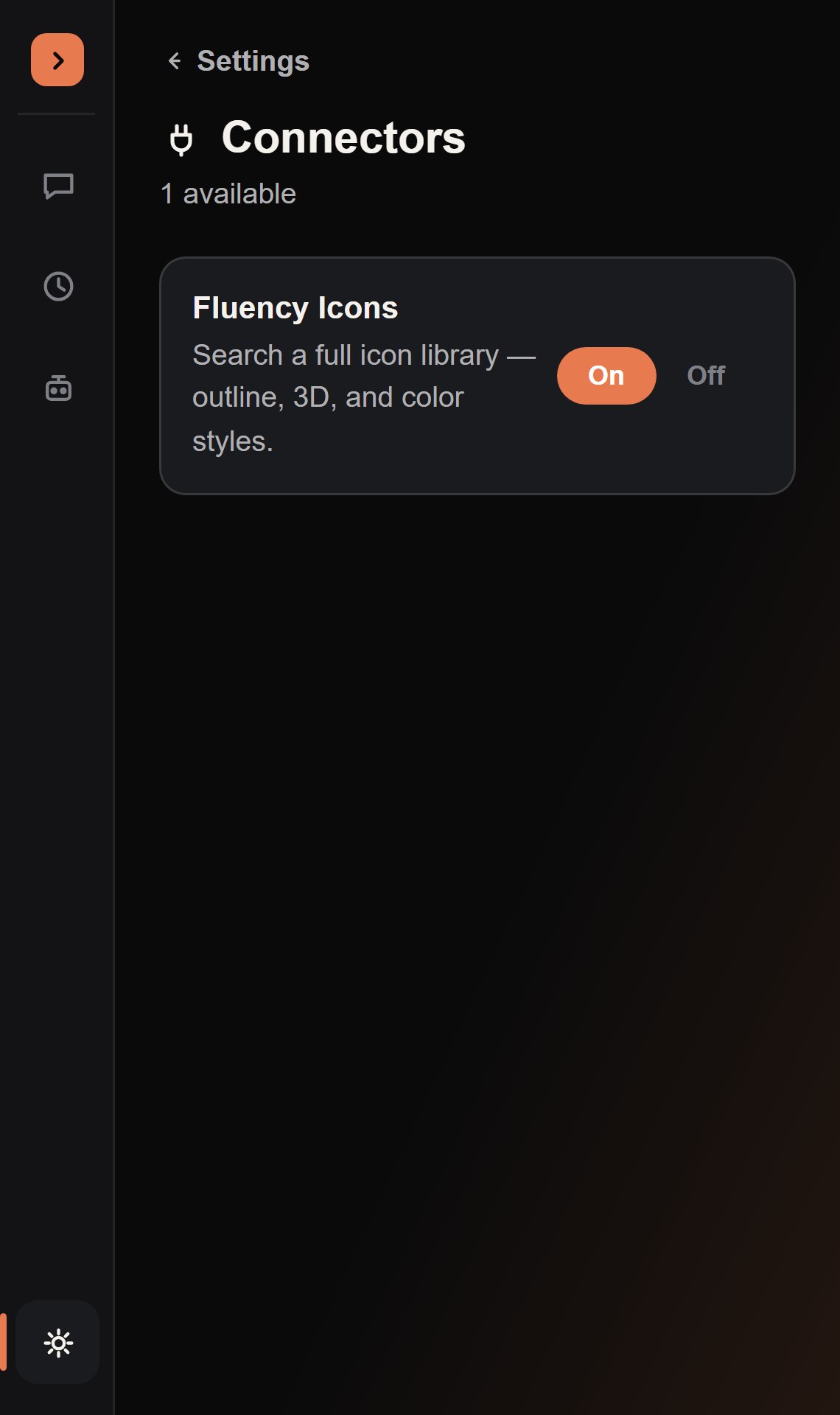
Fluency Icons
The connector shipping today bundles the full Fluency Icons set (outline, 3D, and color styles) and exposes asearch_icons tool: the agent searches by name substring, gets back matching icon names with their rbxassetid://, and can drop that straight into an ImageLabel/ImageButton.Image — no more guessing asset IDs or leaving Studio to look one up.
Turning a connector on
Settings → Connectors → toggle On. The setting is stored per-project viaplugin:SetSetting and read by Tools.EnabledDefinitions() every time a chat turn builds its tool list — so toggling it takes effect on your very next message, no restart needed.
Building your own
The registry is intentionally extensible: a connector is just an entry describing its tools, with each tool definition carrying aconnector field matching the registry id. If you’re extending the plugin yourself, that’s the only wiring a new connector needs.