

Download Tomdacat Code v3.3
Open the official Google Drive release folder and download
TomDaCatCode-v3.3.rbxmx.1
Download the v3.3 package
Download
TomDaCatCode-v3.3.rbxmx from the official Google Drive folder above. Keep the file extension intact.2
Import and save as a local plugin
Open a place in Roblox Studio and import the downloaded model into Workspace (drag the file into the viewport, or use Insert from File). Select its root Script, TomDaCatCode, then right-click and choose Save as Local Plugin. Use the same local plugin name when replacing an older copy to avoid duplicate toolbars. Remove the imported Workspace copy after saving: it is plugin source, not a game script to publish with your place.
3
Restart Studio
Plugin changes (including updates) only take effect after a full Studio
restart — closing and reopening a place isn’t enough.
4
Open the Tomdacat Code dock
Look for the Tomdacat Code button in the Plugins ribbon tab. The dock title and Settings footer should show v3.3. A second dock widget for diffs opens when a script edit needs review.
Choosing how you pay
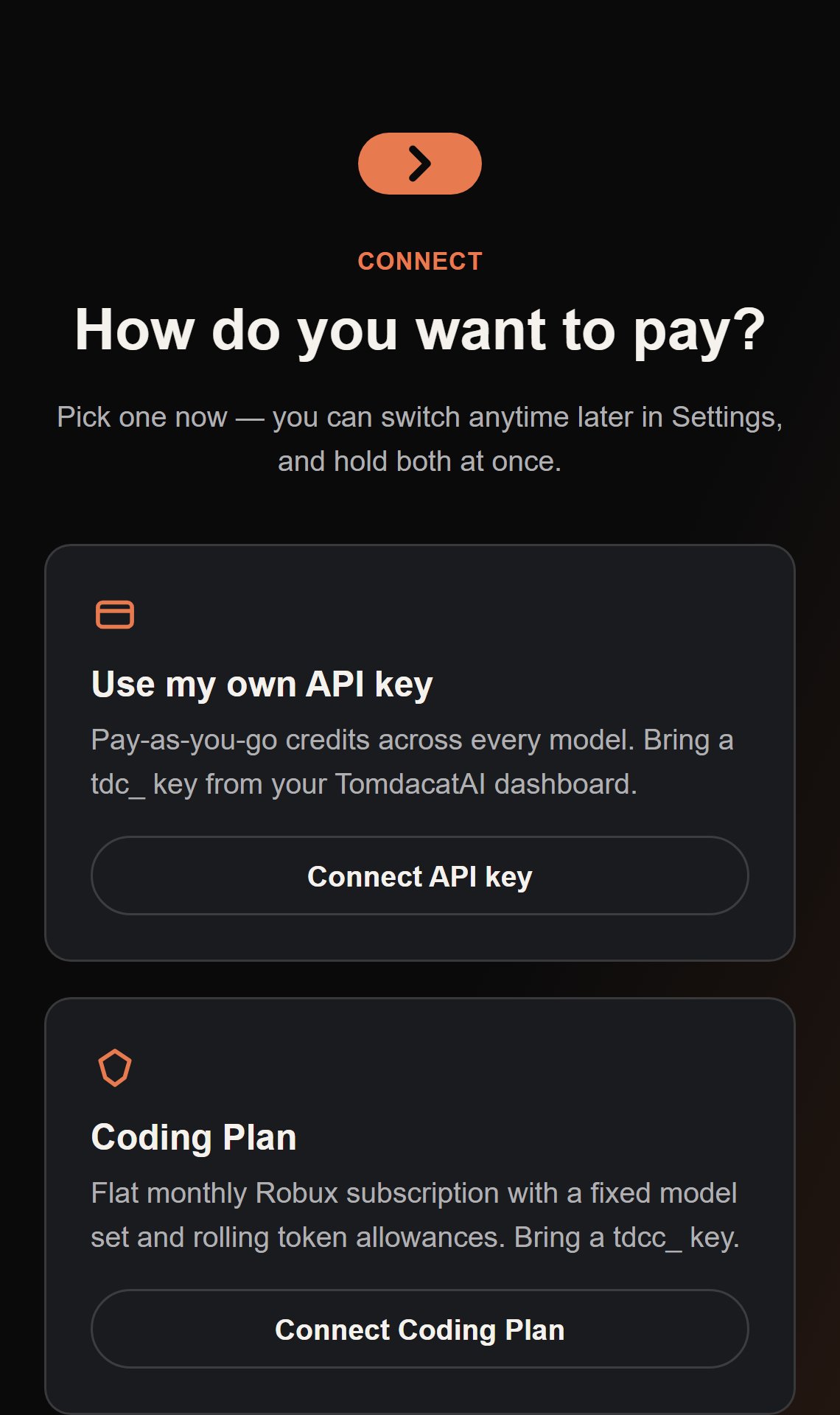
- Use my own API key
- Coding Plan
Pay-as-you-go, billed in credits per token.
1
Get a key
Create one at ai.tomdacat.com if you don’t have one yet.
2
Paste it into Tomdacat Code
The key (and optional key password) is masked in setup and stored via
plugin:SetSetting, Studio’s per-user settings store. Treat that store as a credential store, not an encryption guarantee. Release-build authentication requests go to ai.tomdacat.com.3
You're in
Tomdacat Code authenticates through
GET /v1/models, without calling a model or spending model tokens. It fetches the live model list and picks the cheapest model your account can actually
use as the default — see Models & Reasoning
for exactly how that choice is made.Updating
Download the new.rbxmx, import it, save the root Script as the same local plugin, remove the imported Workspace copy, and restart Studio. Workspace source and an installed plugin are separate copies: editing one does not update the other. Existing v3 settings keep their names, and the release file includes no account credentials or personal settings.